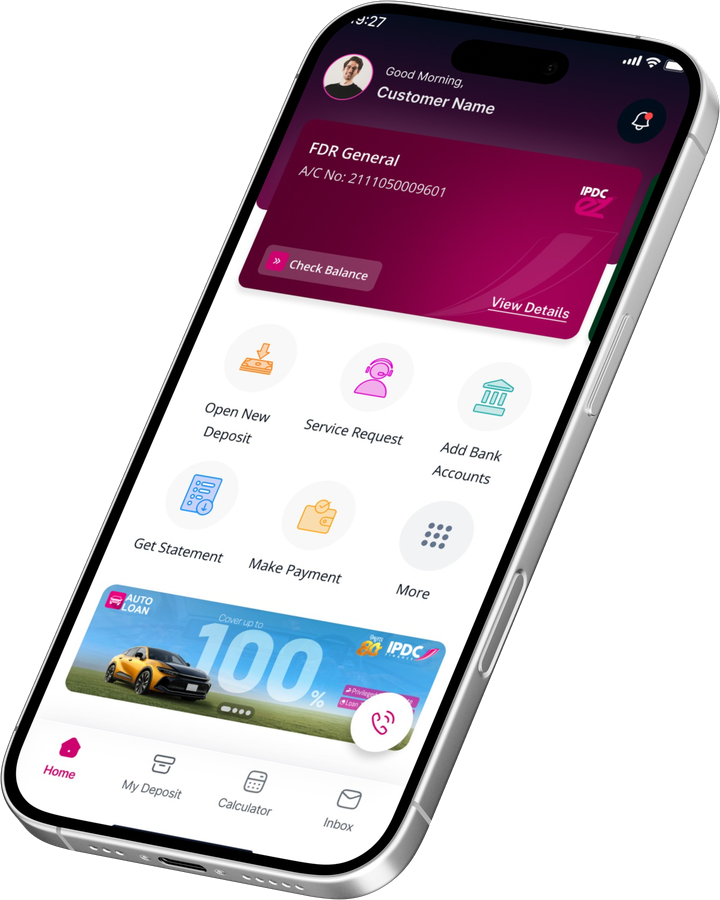
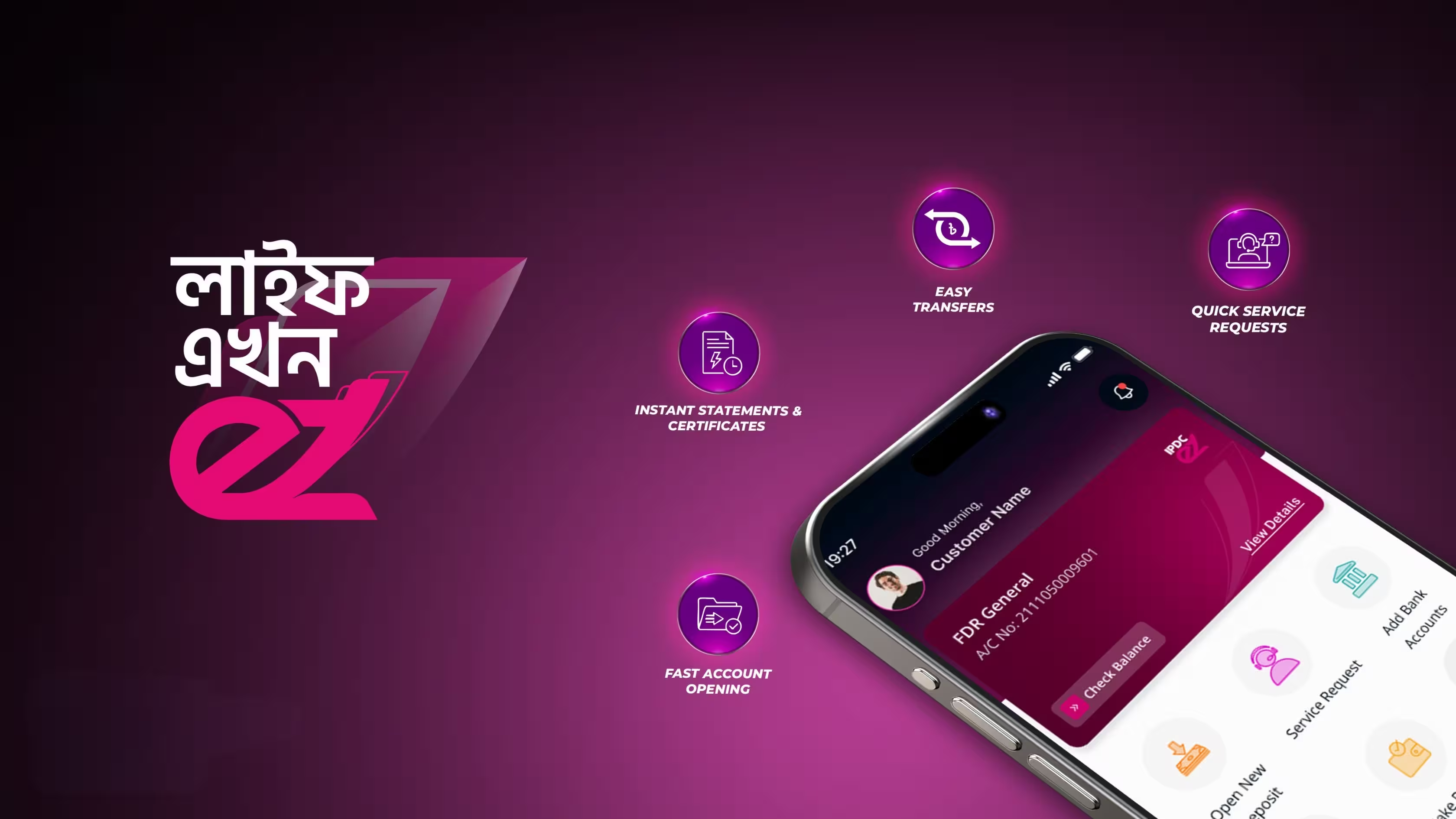
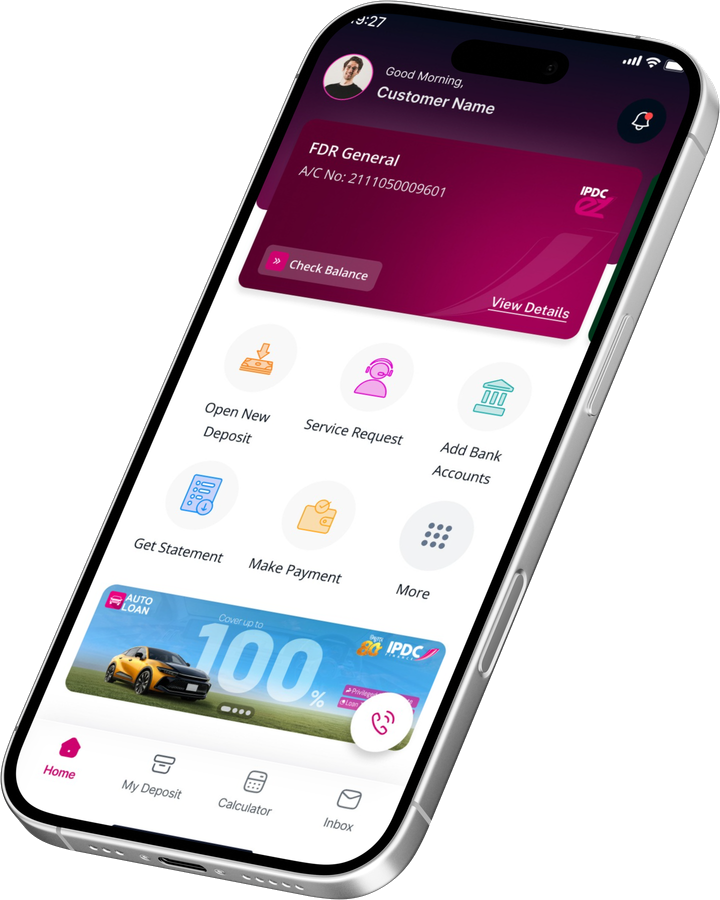
IPDC EZ is your complete digital financial companion, designed to simplify the way you manage your finances. From opening to tracking your deposit accounts and accessing financial statement & tax certificates, everything is available at your fingertips. Fast, flexible, and fully secure; IPDC EZ is here to make your life easy.
Smart Features Seamless Experience
Designed for today's digital lifestyle, IPDC EZ simplifies everyday financial experience through intuitive tools and instant access to essential services, empowering you to save time and stay in control.
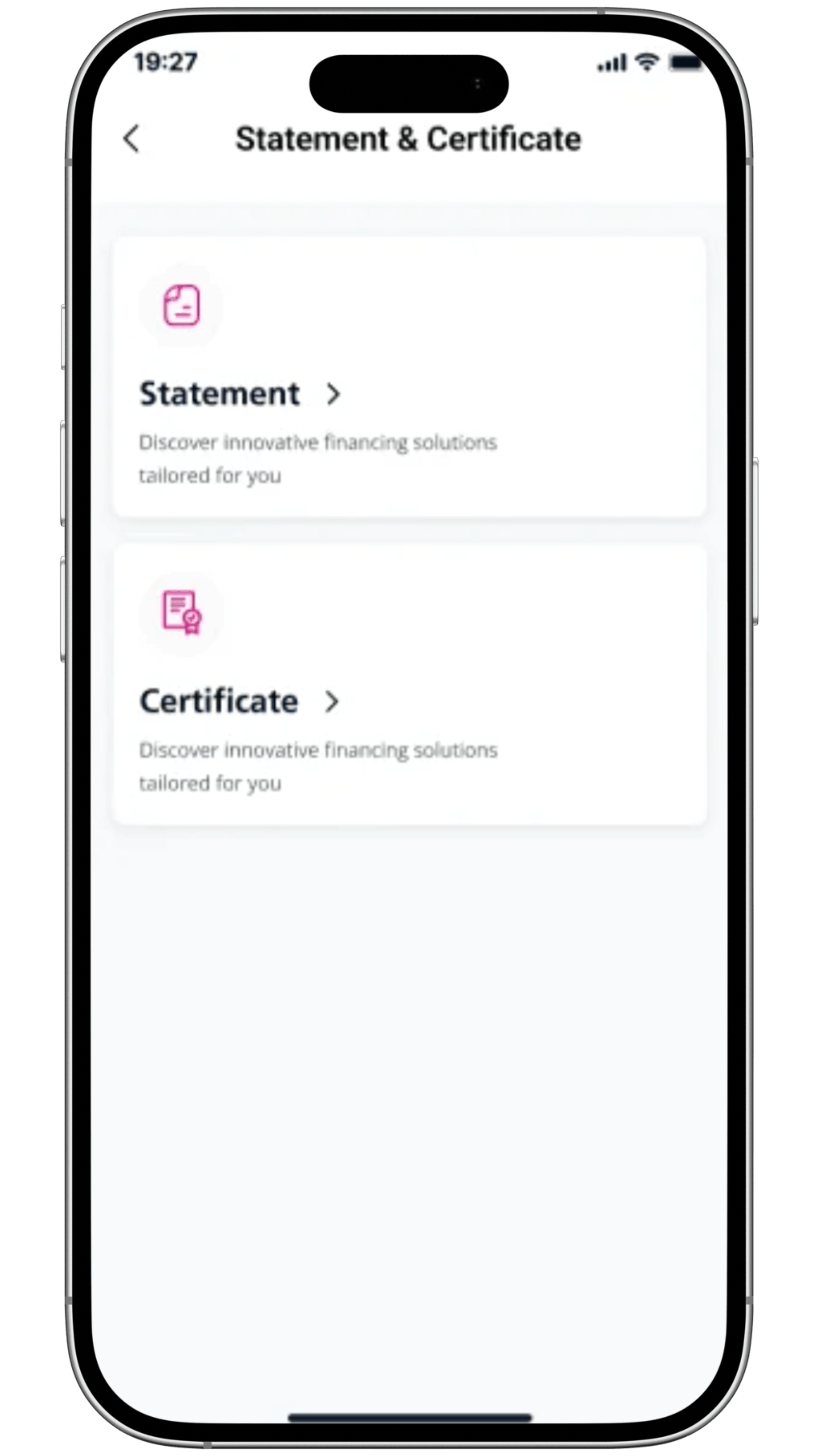
Instant statements & Certificates
Easy Fund Transfers options
Quick Service Requests processing
Open Accounts in Minutes
Skip the paperwork.
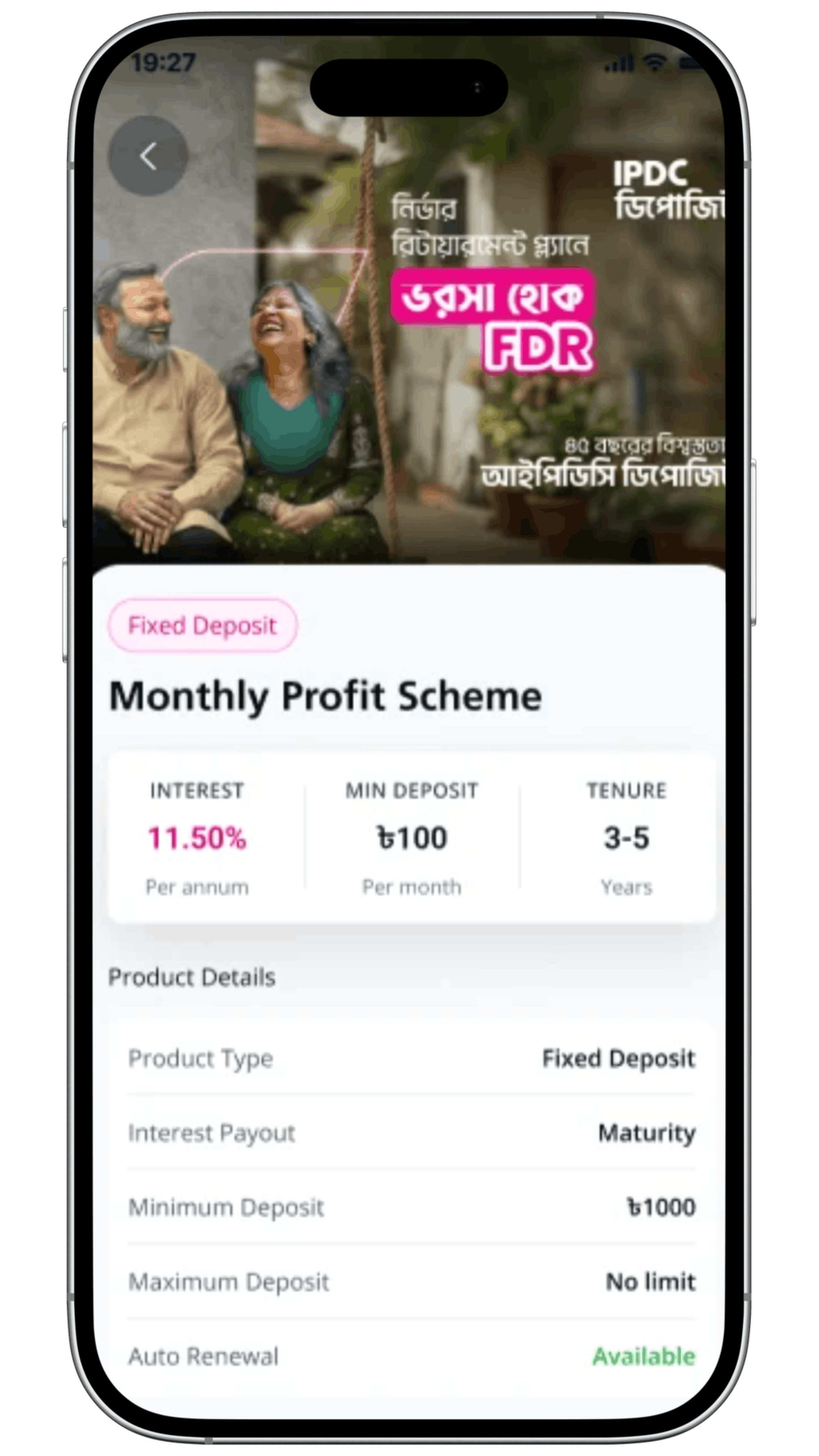
Open Fixed Deposit (FD), Monthly/Quarterly Profit Schemes (MPS/QPS), DPS, Icche DPS and Ultiflex accounts; all from your phone. Just a few taps and you're done.
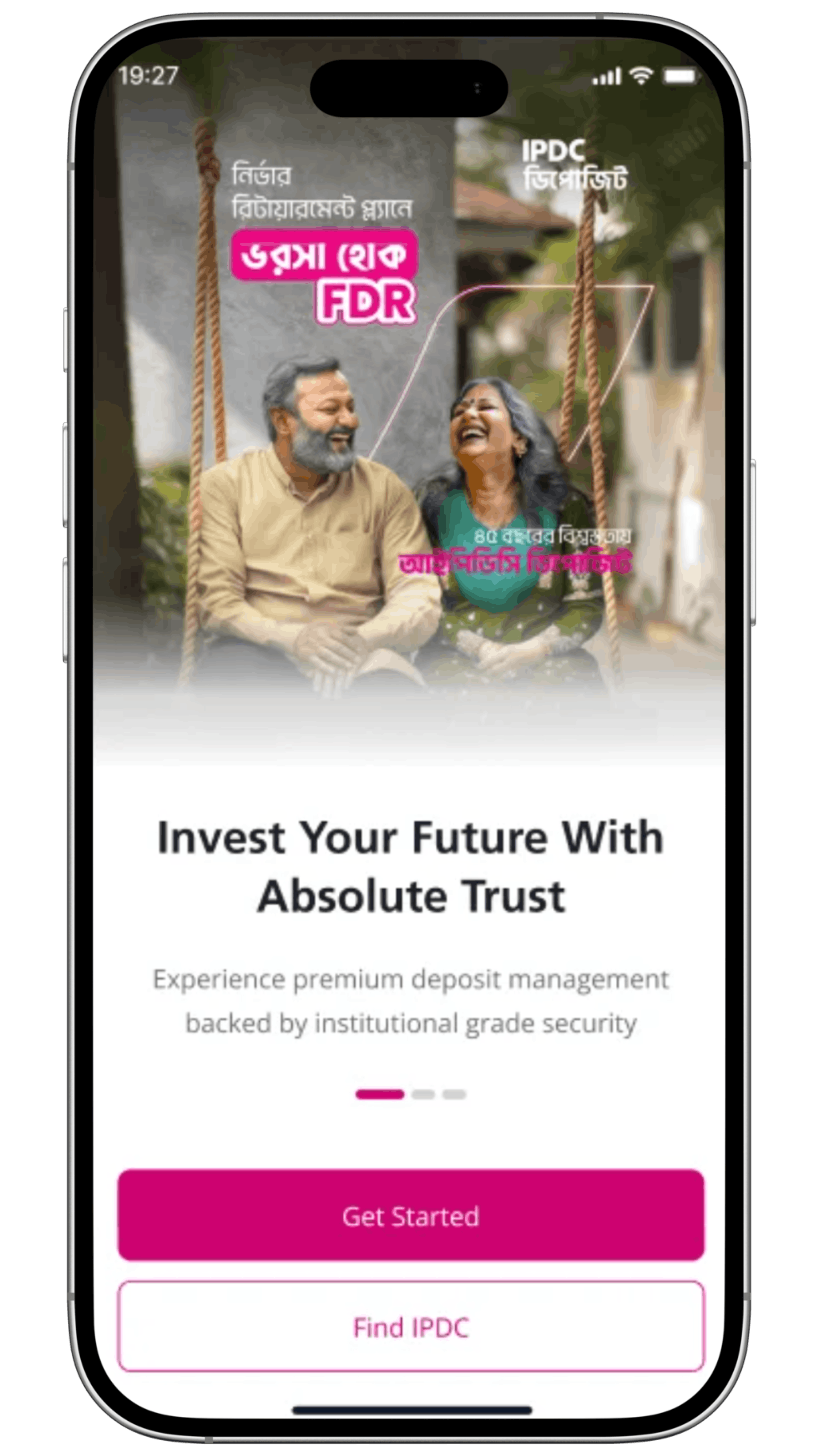
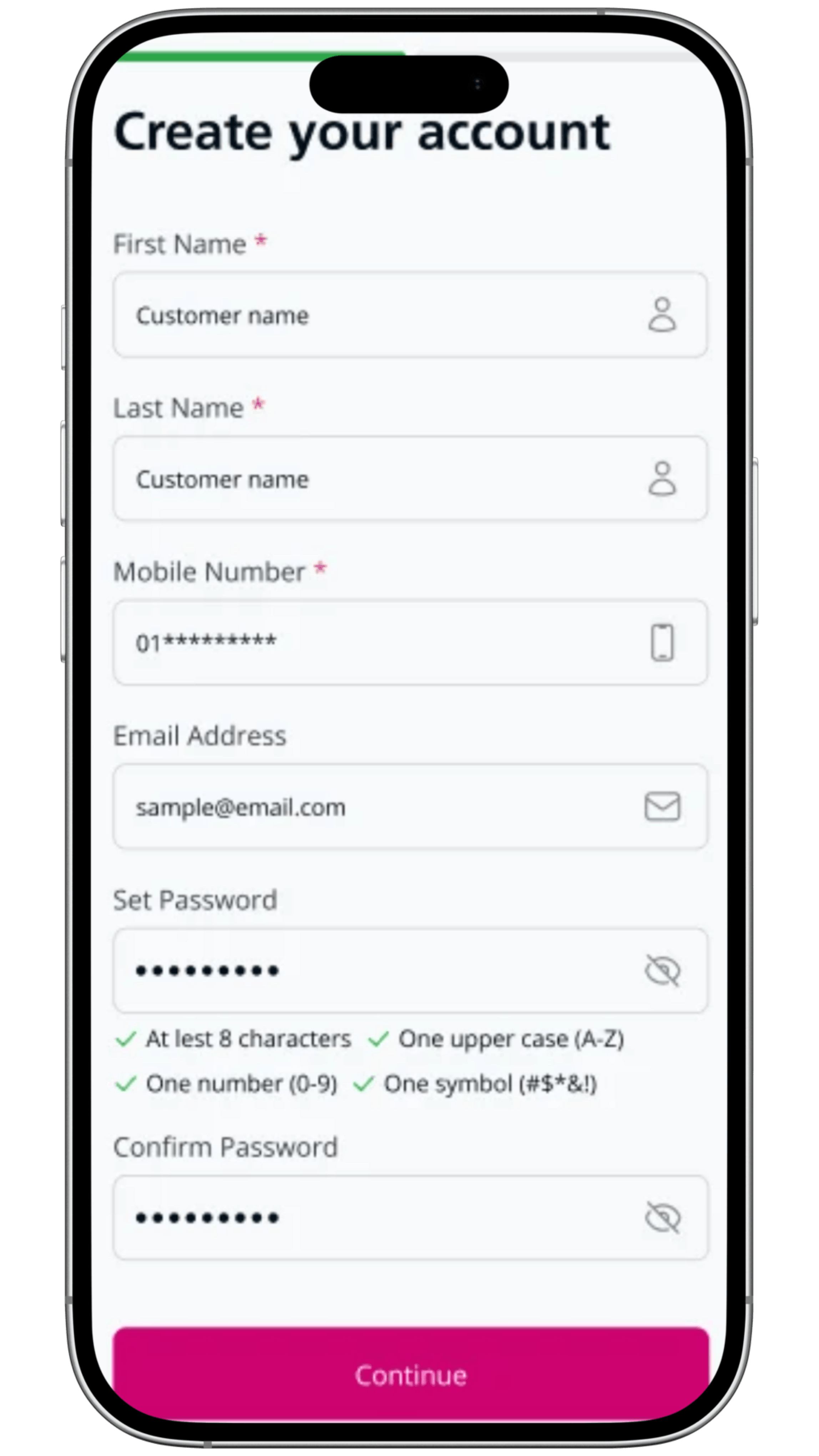
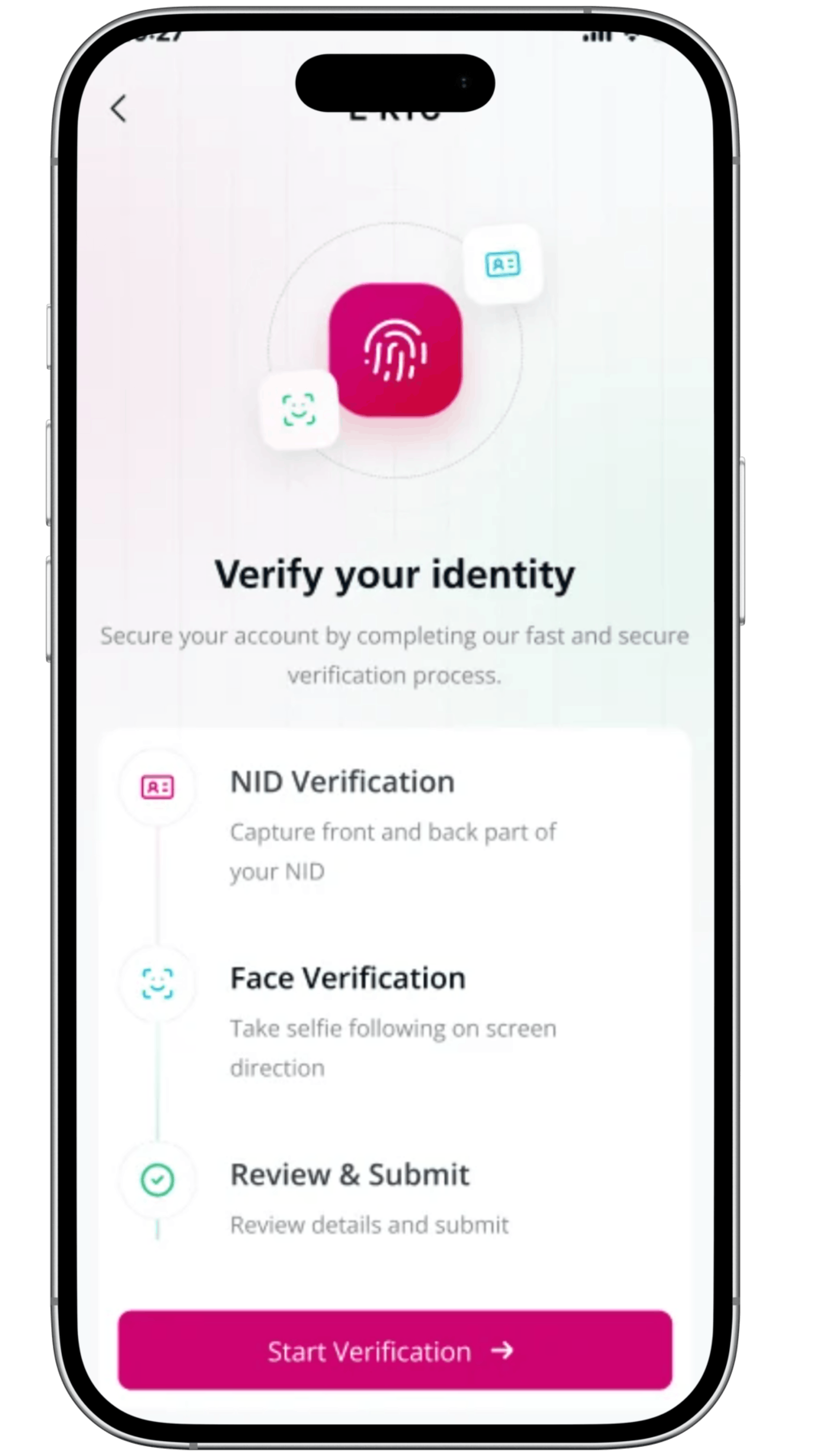
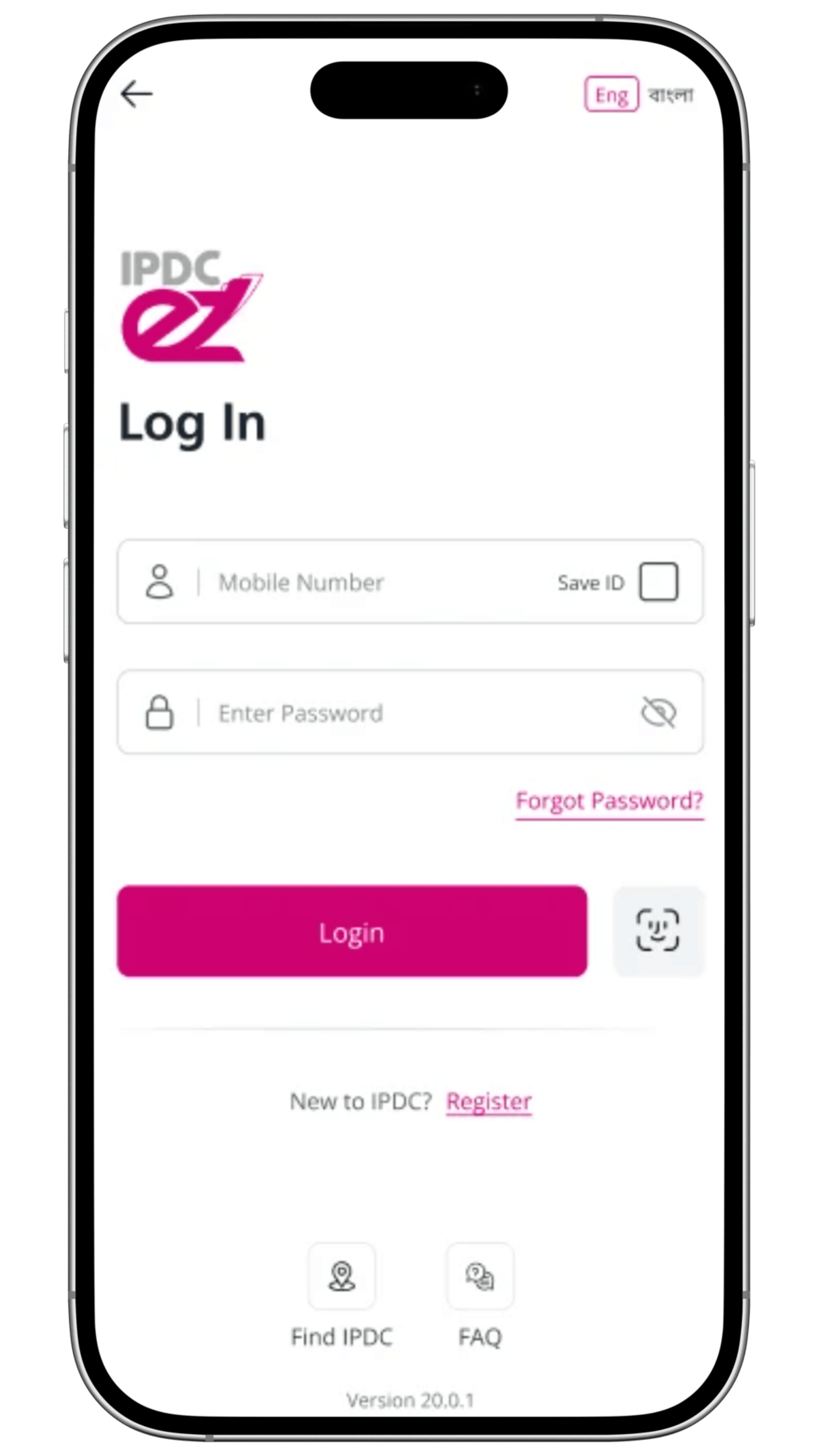
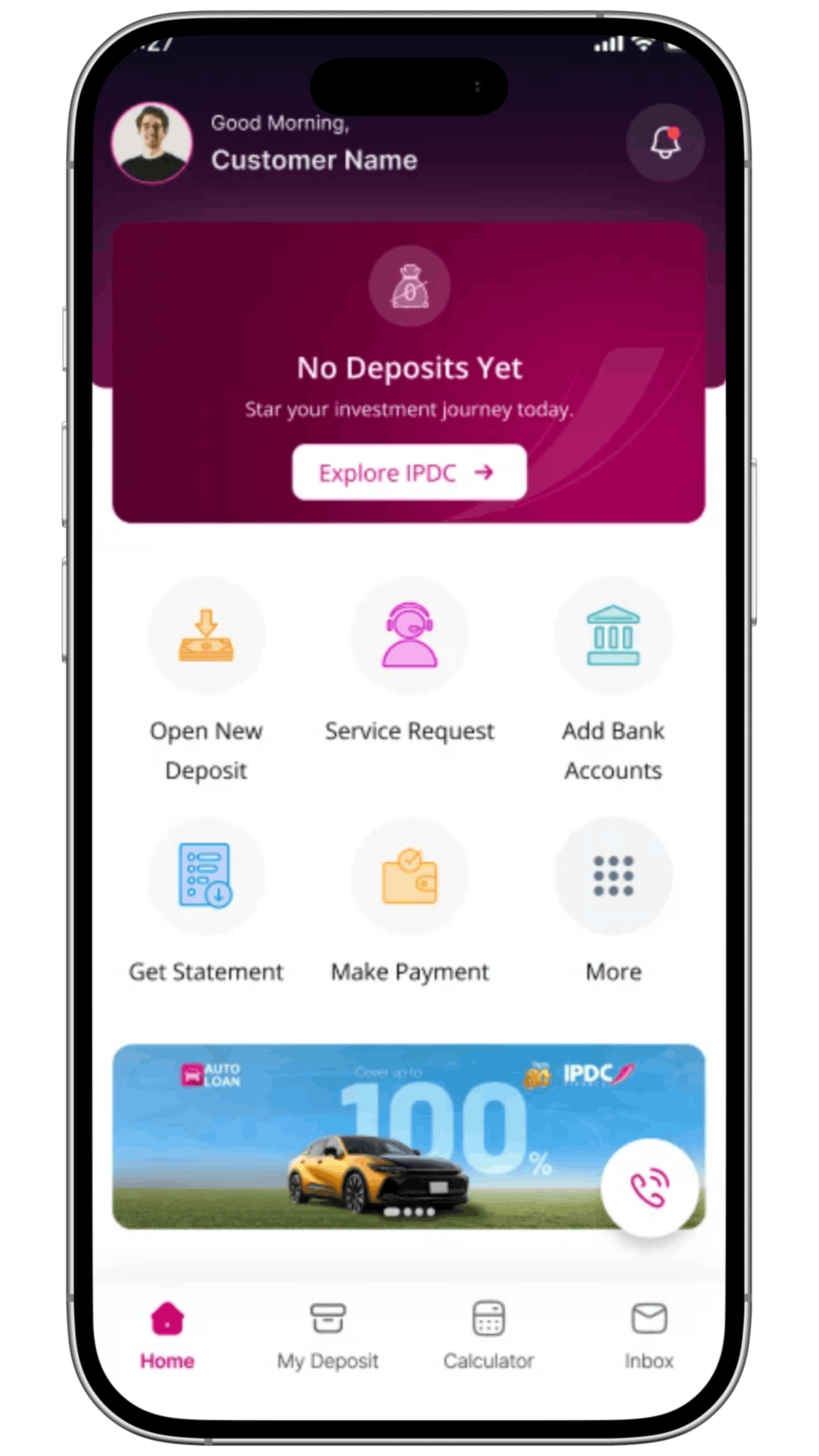
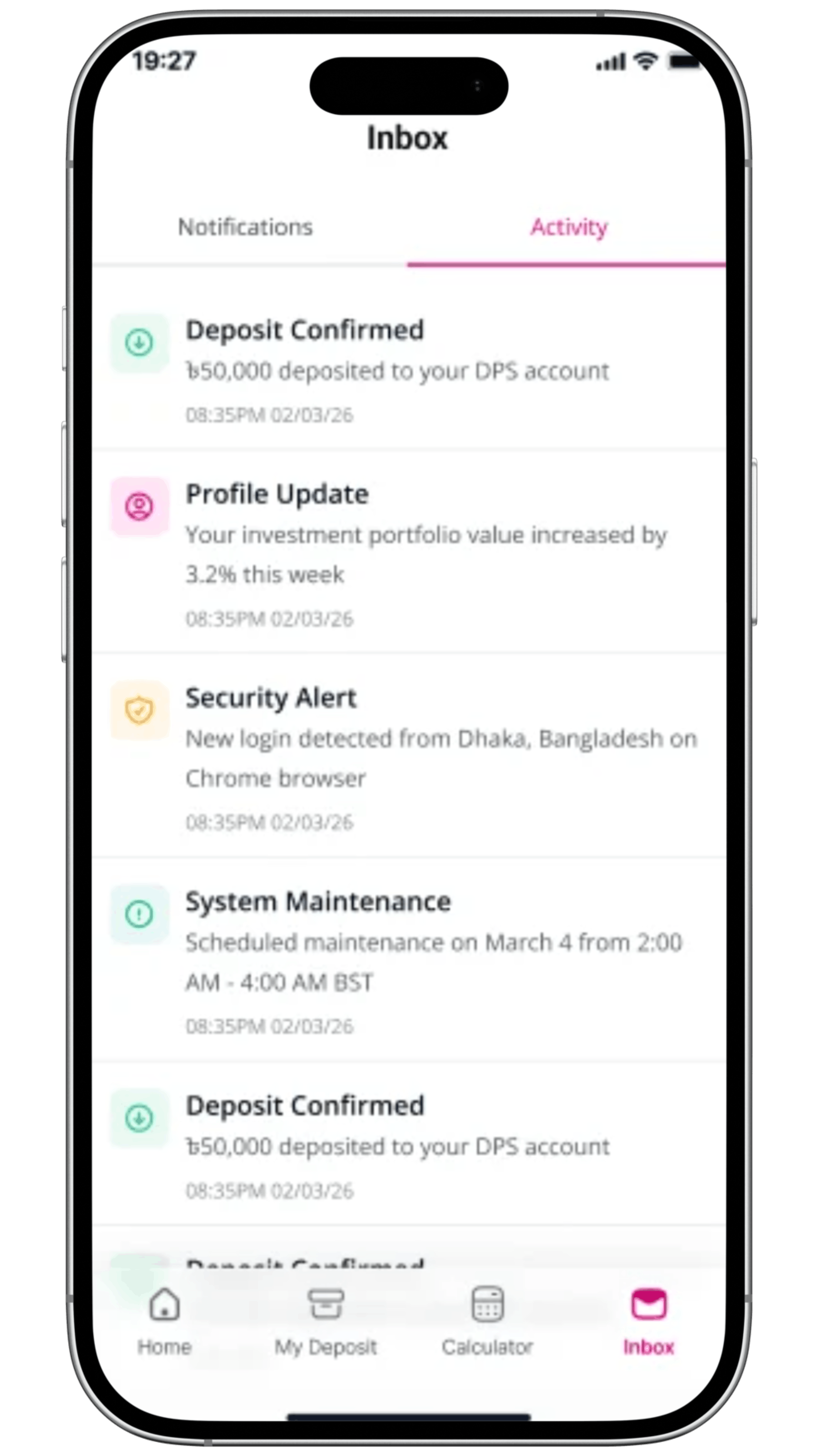
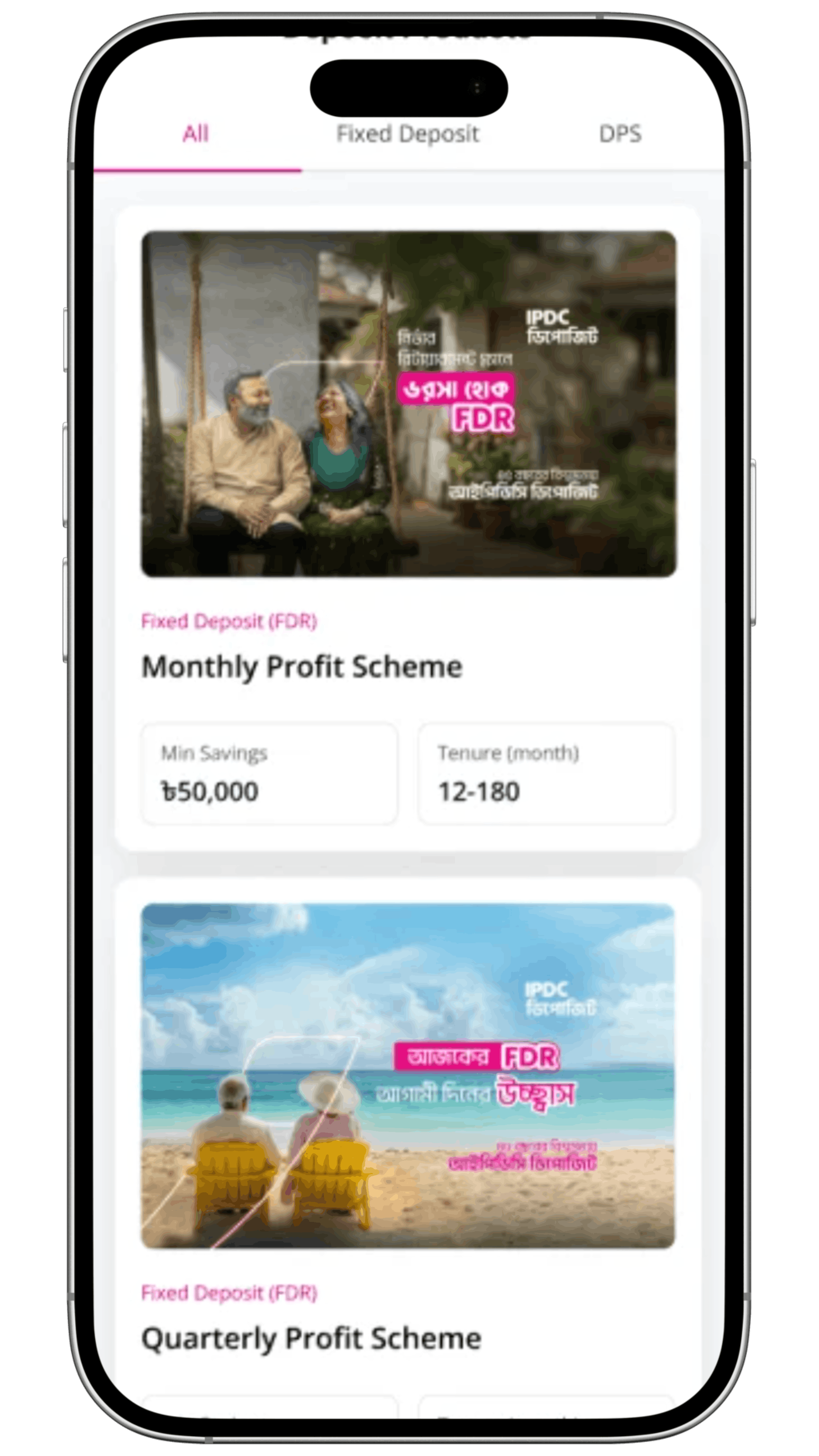
Finance is Easier with EZ
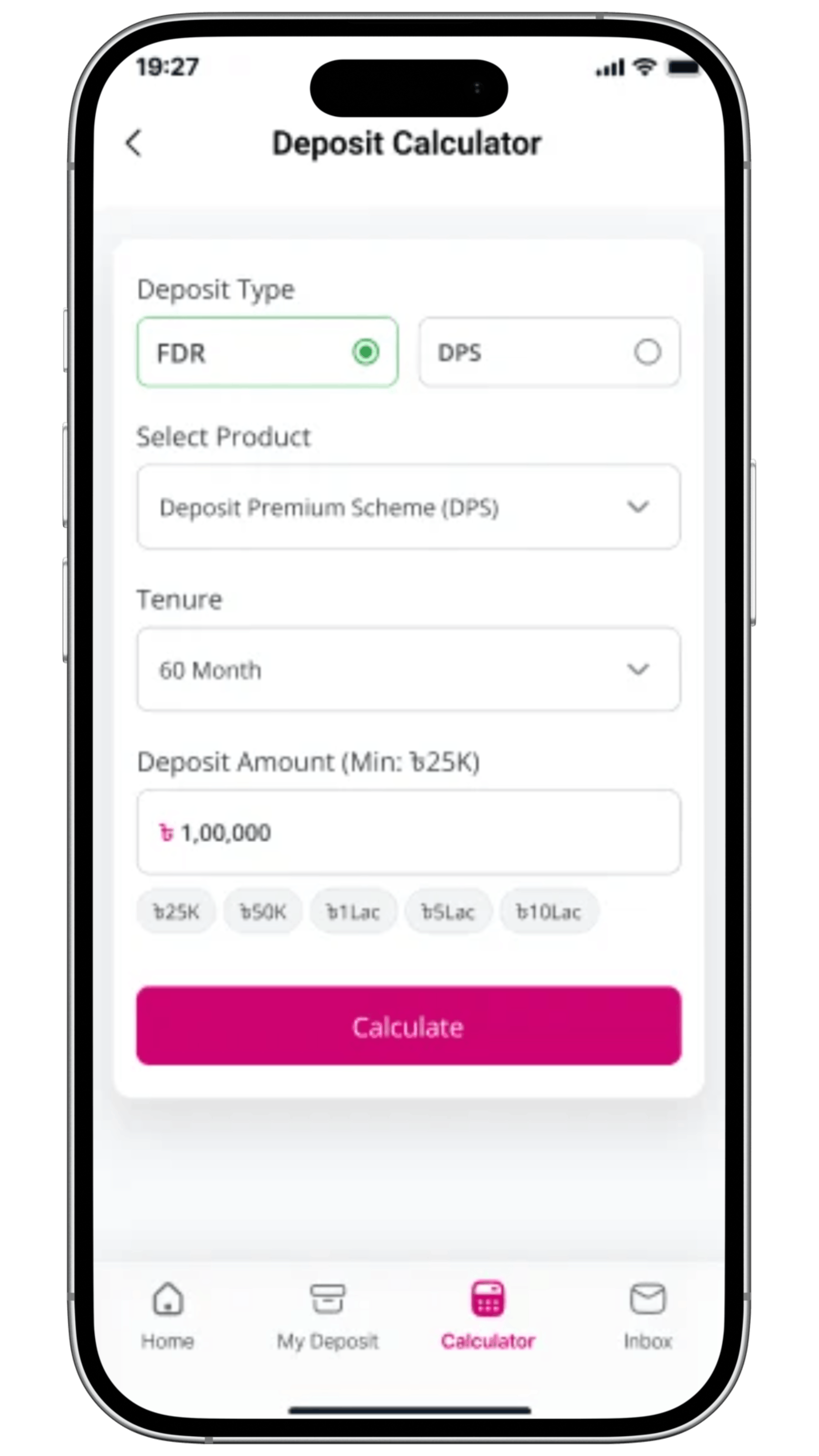
Take a scroll through the app and see how IPDC EZ simplifies your finances; from account opening to document downloads, all in one smartly designed interface.
Simpler Finance Starts Here
An app that managing your finances a way which feels effortless, empowering, and entirely yours.
Frequently Asked Questions
01What is IPDC EZ?
IPDC EZ is the official digital app of IPDC Finance PLC. The app lets you easily open savings and term deposit accounts, make installment payments, and manage your deposits — all digitally, securely, and from anywhere.
02Who can sign up for IPDC EZ?
Any Bangladeshi citizen with a valid NID, active mobile number, and successful customer verification can register for IPDC EZ. The platform is open to both new users and existing IPDC customers.
03What types of information can I access through IPDC EZ?
Personal & Contact Information, Statement & Certificates, Service Requests, Security & Biometric Login options.
04How do I register for an IPDC EZ account?
Download the IPDC EZ app, select Register, enter your details, verify your mobile number and email, and complete registration.
05How do I login to my IPDC EZ account?
Open the IPDC EZ app, enter your registered mobile number and password.
06What should I do if I forget my password?
Use the 'Forgot Password' option, verify via OTP, and set a new password.
07Where can I see all the details of my IPDC accounts?
You can view personal information, deposit account details, account summaries, maturity dates, interest, and nominee information.
08Can I manage more than one account through IPDC EZ?
Yes. Multiple accounts under your name can be viewed and managed through a single login.
09Can I obtain my account statement and tax certificate through IPDC EZ?
Yes, these documents can be downloaded directly from the app.
10Can I save my progress of deposit application?
Yes. IPDC EZ automatically saves your application progress.
11How will I know whether my deposit account has opened?
You will get notifications through SMS and Email with your digital receipt of deposit.
Download Now



Click to Download